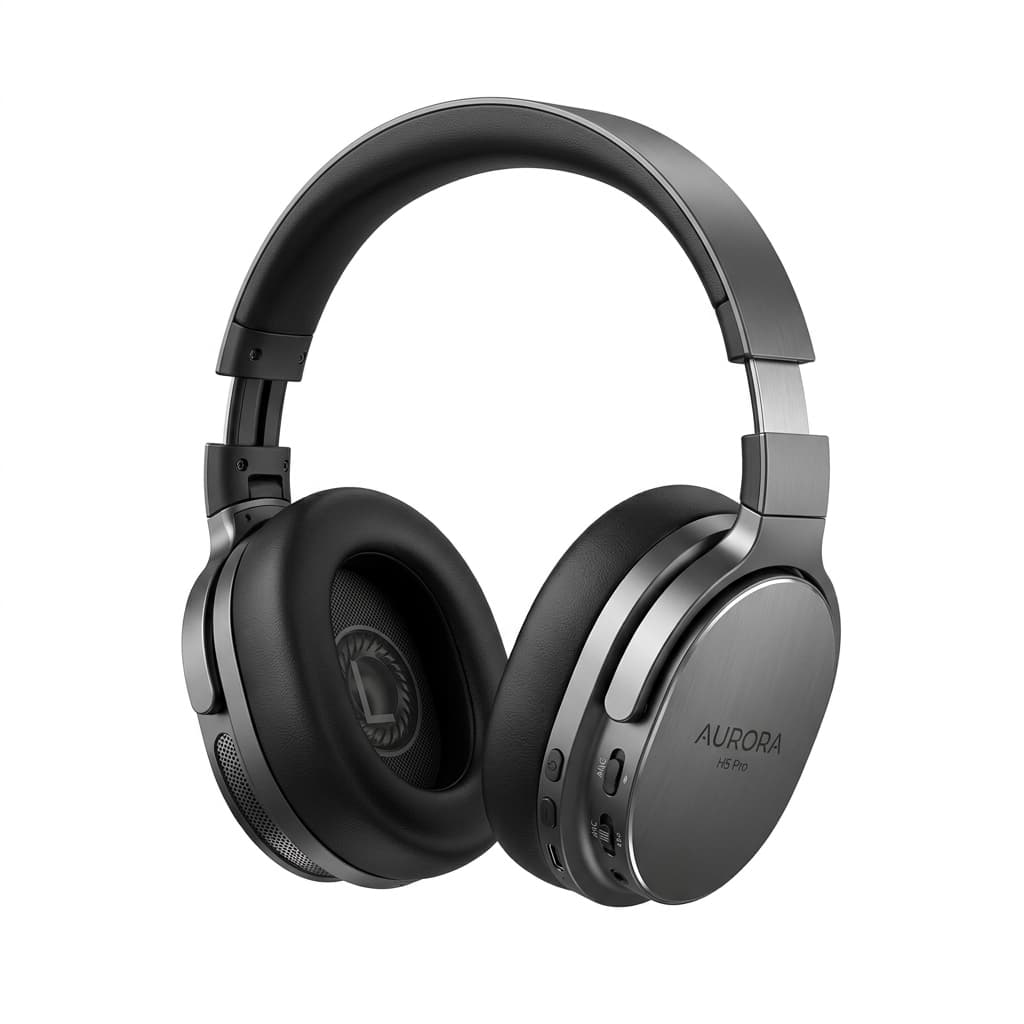
Kaufland.de's data quality score directly affects your product ranking. Full technical spec: background rules, minimum dimensions, EAN/GTIN requirements, category-specific image rules, and how to prepare images for the German marketplace.
Kaufland.de is one of Germany's largest online marketplaces, operating since its rebrand from real.de in 2020. With millions of active buyers across Germany and an expanding international footprint through Kaufland Global Marketplace, image quality directly determines where your products rank in search results. Kaufland's data quality scoring system penalises listings with poor images — not with a warning, but with lower visibility across the platform. This guide covers every image requirement Kaufland enforces in 2026.
Kaufland Marketplace Overview
Kaufland.de began as real.de, the online marketplace of the German retail chain real. After Kaufland — the hypermarket subsidiary of Schwarz Group (which also owns Lidl) — acquired the platform, it was rebranded to Kaufland Marketplace in 2020. The platform has since expanded internationally, allowing sellers from outside Germany to list products through Kaufland Global Marketplace with the same technical standards applying to all sellers regardless of origin.
Unlike Amazon's category-specific image programmes, Kaufland uses a unified data quality score that aggregates multiple product data signals including image quality, product title completeness, description accuracy, and EAN/GTIN validity. Images are one of the highest-weighted factors in this score, which in turn is one of the factors determining search position and Buy Box eligibility.
Main Image Requirements
Background
- Main image must have a white or neutral (light grey) background
- No lifestyle backgrounds, scenes, or environmental settings in the main image position
- No gradients, shadows cast onto the background, or textured surfaces
- Pure white (#FFFFFF) is the preferred standard — off-white is borderline and risks automatic quality scoring penalties
Dimensions and Format
- Minimum size: 600×600px
- Recommended size: 1200×1200px — enables Kaufland's zoom functionality and performs better in search result thumbnails
- Accepted formats: JPEG and PNG
- Maximum file size: varies by upload method — keep main images under 5MB to avoid upload errors
- Square format (1:1 aspect ratio) strongly preferred for consistent display across Kaufland's product grid
Product Fill
- The product must occupy at least 80% of the image area
- The entire product must be visible — nothing cropped or cut off at the frame edges
- Products that fill less than 80% of the frame are flagged as low-quality in Kaufland's automated image analysis
- For multi-component products (e.g. product with accessories), the main unit should dominate the frame at 80%+ fill
Prohibited on Main Image
- Watermarks of any kind — brand watermarks, agency credits, service logos
- Text overlays — promotional pricing, size callouts, brand name banners, "new" or "sale" badges
- Logo overlays — your own brand logo placed over the product image
- Borders and decorative frames
- Inset images or multi-product compositions
- QR codes or social media handles
EAN/GTIN and Catalogue Matching
Kaufland uses EAN (European Article Number) or GTIN (Global Trade Item Number) barcodes to match seller-submitted products to its central product catalogue. This matching process directly connects your product listing to the correct product page, which in turn pulls in Kaufland's standardised data including category, product type, and any existing images from other sellers listing the same product.
When your product matches an existing catalogue entry:
- Kaufland may display existing catalogue images alongside your seller-submitted images
- Your data quality score is assessed against your own submitted images, not the catalogue images
- If your images are higher quality than existing catalogue entries, they may be selected as the primary display image across all sellers on that product page
- Incorrect or missing EAN/GTIN codes can result in listing rejection or incorrect catalogue matching, which affects both visibility and image display
Always verify EAN accuracy before submission. Submitting products without a valid EAN — even with perfect images — will reduce the data quality score and limit search visibility.
Kaufland Data Quality Score and Image Impact
Kaufland's data quality score is a composite metric that evaluates every product data field submitted by the seller. Image quality is one of the highest-weighted components of this score, alongside title completeness, category accuracy, and description content.
The specific image quality signals Kaufland's system evaluates:
- Image resolution — images below 600×600px receive a low quality score; 1200×1200px or higher scores best
- Background compliance — non-white or non-neutral backgrounds in the main image slot reduce the image quality sub-score
- Product fill ratio — images with less than 80% product fill are flagged automatically
- Image count — listings with more product images (showing multiple angles and details) score higher than single-image listings
- Watermarks or overlays — detected watermarks and text overlays automatically reduce the data quality score
A higher data quality score correlates directly with better search ranking position on Kaufland. Products with low data quality scores are placed lower in search results and are less likely to win the Buy Box when multiple sellers list the same EAN.
Category-Specific Rules: Food Products
Food and grocery products on Kaufland have additional image requirements beyond the standard rules. Kaufland requires that food product listings show all sides of the packaging:
- Front of packaging as the main image (white background, 80%+ fill)
- Back of packaging showing nutritional information, ingredients, and allergen declarations
- Side panels if they contain relevant product information
- The base or lid if the product has a relevant closure or seal
This multi-angle packaging requirement exists because Kaufland is required under EU food information regulations to provide consumers with full nutritional and allergen information. Listings that cannot provide this through images and structured data fields risk being delisted or receiving compliance warnings.
For fresh or unpackaged food products sold through Kaufland Fresh (where available), clean product photography on a white or light neutral surface is required — the same background standard applies, but the product fill rule is adapted to the product's natural form factor.
Additional Images
Kaufland allows multiple product images per listing. Additional images beyond the main have significantly more creative flexibility:
- Lifestyle images showing the product in use are permitted in secondary positions
- Detail and close-up shots showing material, texture, or finish work well as additional images
- Infographic images with dimensions, feature callouts, and product benefits are permitted in secondary slots
- 360-degree product views are supported where available through Kaufland's product page format
- More images = higher data quality score — aim for at least 3–5 images per listing for best ranking impact
Kaufland Global Marketplace: International Sellers
Kaufland Global Marketplace allows sellers based outside Germany to list products on Kaufland.de. The same image standards apply to international sellers as to domestic German sellers:
- White or neutral background on main image — this applies regardless of seller origin
- Minimum 600×600px, recommended 1200×1200px — resolution requirements are identical
- EAN/GTIN required for catalogue matching — international product barcodes (UPC, JAN) may be accepted if they map to a Kaufland catalogue entry
- No watermarks, text overlays, or logos on the main image — this applies globally
- Food products must show all packaging sides — this requirement applies to food products regardless of seller location
International sellers should be aware that Kaufland's search algorithm prioritises products with higher data quality scores, and that German-language product titles and descriptions are weighted more heavily in German search results than listings using only English content.
Preparing Images for Kaufland at Scale
A practical workflow for multi-SKU Kaufland catalogue preparation:
- Shoot on pure white and export at 1200×1200px minimum. Meeting the minimum 600×600px technically qualifies, but 1200×1200px is required to enable zoom and to score well in Kaufland's quality assessment
- Ensure 80%+ product fill on every main image. Loose framing is one of the most common data quality failures detected by Kaufland's automated image review
- Prepare all-sides photography for every food product. Front, back, and all sides with relevant labelling must be submitted as part of the listing image set
- Verify EAN before submitting images. Incorrect EAN codes cause catalogue mismatches that negate image quality improvements — fix the data before fixing the images
- Remove all watermarks and text from main images. Even subtle branding on product edges is flagged by Kaufland's automated systems
- Submit at least 3–5 images per product. Image count is a data quality scoring factor — more angles and detail shots improve the score
Background Removal for Kaufland
Clean background removal is the most impactful post-processing step for Kaufland compliance. A pure white background produced through professional background removal performs better in Kaufland's data quality assessment than a background-matching technique applied in-camera, because controlled removal produces a consistent, measurable white value (#FFFFFF) across the entire background area.
The specific issues to avoid in background removal for Kaufland:
- Grey haloing on product edges — visible against white background in thumbnails, flags as low quality
- Background colour spill on product — particularly common on reflective surfaces, glass, and metallic packaging
- Loss of fine product detail — especially relevant for food packaging where label text must remain legible at 1200×1200px
Our background removal service handles complex product edges including transparent packaging, metallic surfaces, and food products where label legibility must be preserved at high resolution. For full Kaufland catalogue preparation including background removal, multi-angle preparation, and food packaging all-sides photography editing, see our e-commerce photo editing service. If you have Kaufland products ready to process, submit 5 images for a free sample batch to see the quality before committing to a full catalogue run.
Common Mistakes and How to Avoid Them
Sellers new to Kaufland tend to make the same few mistakes, and each one lowers the data quality score from day one. The most common are:
- Too much empty space around the product. A lot of white space can look tidy, but Kaufland's automated analysis treats an under-filled frame as a quality problem. Apply the 80% fill rule and check every main image before you upload it.
- An almost-white background. Cream, light grey or beige backgrounds can look white to the eye but still fail the automated check. The target is pure white (#FFFFFF), not "close to white". This catches many international sellers whose images were prepared for other marketplaces.
- Missing back-of-pack images for food. Sellers bringing food products from other markets often forget the back of the packaging with the nutrition, ingredient and allergen information. That leads to compliance warnings and a lower data quality score.
- Inconsistent images across a range. When products in the same range are shot at different distances or angles, the category grid looks uneven and shoppers find it harder to compare them.
All of these can be prevented with a simple check before every upload: product fill, background value, and whether the packaging set is complete. If you manage hundreds or thousands of products across categories such as electronics, food and clothing, each with slightly different requirements, outsourcing the preparation is often cheaper than building that checking process in-house.