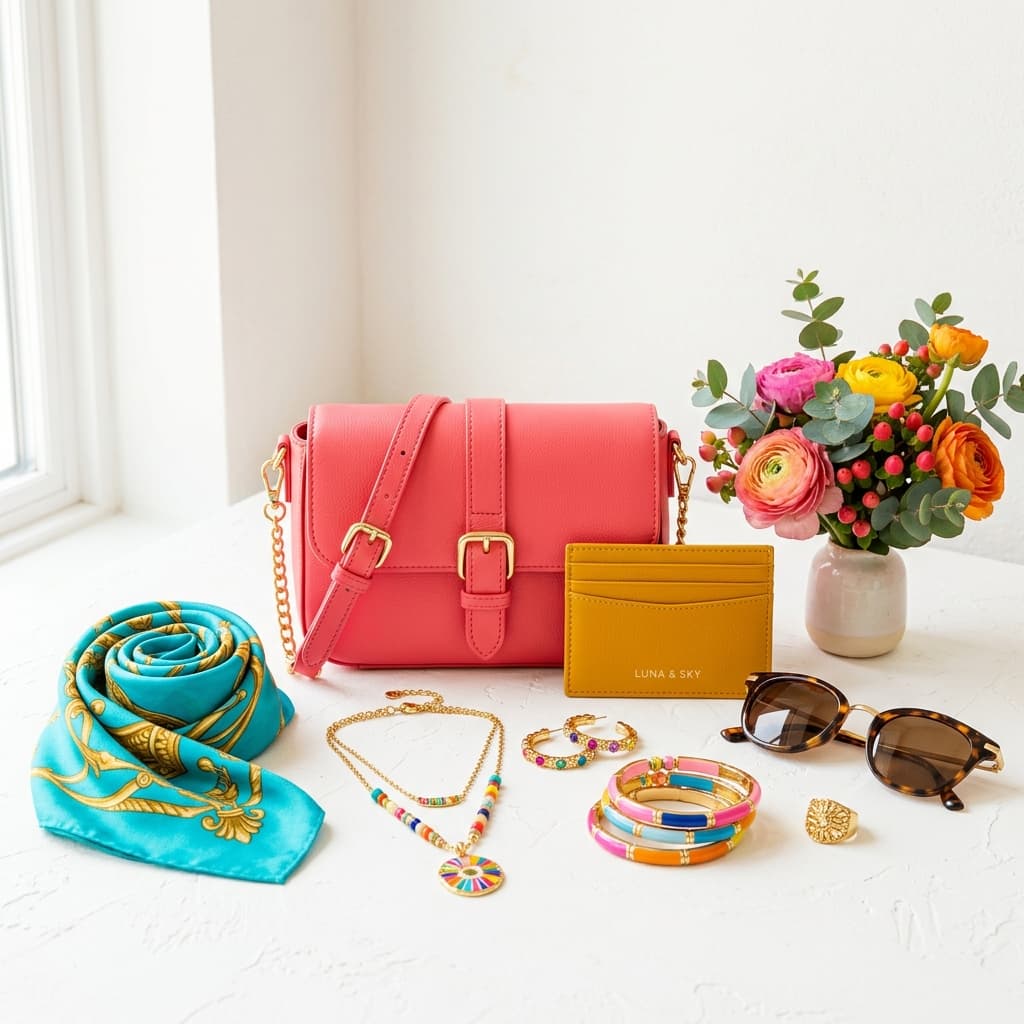
Pinterest suppresses blurry and non-optimised pins without warning. Full technical spec: optimal ratio, file limits, text overlay rules, Product Pin requirements, and why high-saturation images dominate the feed.
Pinterest doesn't announce when it suppresses a pin — it simply stops distributing it. Images that fall short of the platform's technical standards or visual quality signals quietly disappear from Smart Feed and search results. This guide covers every image requirement Pinterest enforces for Shopping pins in 2026, including the ratio, resolution, and colour science that determines whether your products get discovered or buried.
Optimal Image Dimensions and Ratio
The 2:3 Ratio: Pinterest's Own Recommendation
Pinterest's official specification for Shopping and Product Pins is a 2:3 aspect ratio, with the recommended resolution being 1000×1500px. This is not a minimum — it is the format that receives the most organic distribution within Pinterest's Smart Feed algorithm. The 2:3 ratio fills more vertical space in the feed than a square image, giving your product greater visual presence per pin impression.
- Optimal ratio: 2:3 (1000×1500px) — Pinterest's documented recommendation
- Minimum width: 600px — images below this are not eligible for full distribution
- Maximum file size: 20MB
- Accepted formats: JPEG and PNG
Other Supported Ratios
Pinterest also supports square (1:1) and tall (9:16) aspect ratios, but neither receives the same algorithmic distribution as 2:3:
- Square 1:1 — supported, but takes up less feed space and typically generates lower engagement than 2:3 for product content
- Tall 9:16 — supported and visually prominent, but Pinterest's feed layout is tuned for 2:3; very tall images may be cropped in grid view
- Landscape ratios — technically accepted but strongly discouraged for product pins; landscape images underperform significantly in Pinterest's vertically-scrolling feed
Image Quality Requirements
Resolution and Sharpness
Pinterest actively suppresses low-resolution and blurry pins. Unlike some platforms where a technically compliant image is simply shown at lower priority, Pinterest's system can remove blurry or pixelated pins from feed distribution entirely:
- No blurry, pixelated, or visibly compressed images — Pinterest's quality filter flags these automatically
- Shoot or export at the full 1000×1500px target — do not upscale a smaller image to meet the dimension requirement
- Images saved at aggressive JPEG compression (below quality 80) show visible artefacts at the 1000px width that trigger Pinterest's quality filter
- PNG is preferable for products with flat colour surfaces (jewellery, packaging) where JPEG compression introduces visible banding
Text Overlays and Graphic Elements
Text Overlay Rules
Pinterest allows text overlays on product images, but enforces limits on how much of the image they can occupy:
- Text overlays must not cover more than 30% of the image area
- Text must be readable — small or low-contrast text is treated as a quality signal failure
- Use clean, sans-serif fonts at sufficient weight; decorative or script fonts often fail Pinterest's legibility check
- Text overlays that cover the product itself — rather than the background — significantly reduce engagement; place text in clear border areas
Logo Placement
- Logo placement is permitted but should be restricted to the bottom 10% of the image
- Logos in the centre or top of the image interfere with the product's visual impact and reduce click-through rates
- Keep logos small relative to image size — a logo that dominates the pin signals promotional rather than editorial content, which underperforms in organic feed
Product Pins and Shopping Requirements
Product Pin Image Standards
Product Pins (Shopping Pins) carry additional quality expectations beyond standard pin requirements. Pinterest's Merchant Guidelines specify:
- Clean background preferred — white or light neutral backgrounds allow the product to stand out in the feed; cluttered or busy backgrounds reduce conversion on product pages
- Product clearly visible — the product must be the unambiguous focal point; lifestyle context is acceptable in secondary pins but not recommended for the primary Product Pin image
- No watermarks on the primary product image
- No promotional text overlays on the primary Product Pin image (sale stickers, discount banners)
- Accurate product representation — the image must match the product sold; misleading product images violate Pinterest's merchant policies
Rich Pins and Schema Markup
Rich Pins pull structured product data — price, availability, product name — directly from your website into the pin. To enable Rich Pins for your product catalogue:
- Your product pages must include schema markup (Product schema in JSON-LD is the recommended implementation)
- Rich Pins require validation via Pinterest's Rich Pin validator before they activate
- Product Rich Pins automatically update price and availability when your schema data changes — essential for accurate Shopping Pin data at scale
- Without Rich Pins, product data must be entered manually per pin, which is not viable for large catalogues
Why High-Saturation Images Perform Better on Pinterest
The Colour Science of Pinterest's Feed
Pinterest's feed is a visually competitive environment. Every pin competes for attention against hundreds of other images simultaneously visible during a scroll. The platform's internal research — published in Pinterest's business documentation — consistently shows that bright, high-saturation images outperform dull or desaturated images on every engagement metric: saves, clicks, and conversions.
The mechanism is straightforward: Pinterest users scroll quickly. A pin has a fraction of a second to generate a visual interrupt — a moment where the eye stops and the user considers the image. High-saturation, well-lit product images generate that interrupt far more reliably than images with muted tones, grey backgrounds, or flat lighting.
Specific Colour and Lighting Factors
- Warm, bright backgrounds outperform grey or cold-toned backgrounds for most product categories on Pinterest
- High colour contrast between product and background — a vivid product against a clean light background reads immediately at thumbnail size
- Natural or warm-toned lighting tends to outperform studio cool-white lighting for lifestyle categories (home décor, fashion, jewellery)
- Rich, saturated product colours — if your product comes in multiple colours, photography should prioritise the most visually saturated colourways for the primary pin
- Avoid heavy filtering or desaturation in post-processing — matte or faded Instagram-style edits consistently underperform on Pinterest, where the platform audience skews toward high-fidelity, aspirational imagery
Preparing a Pinterest-Optimised Product Image Workflow
A practical approach for multi-product Pinterest catalogues:
- Shoot in 2:3 crop from the start. Setting your camera or tether software to a 2:3 crop guide eliminates resizing in post — you capture the correct composition at shoot time
- Prioritise the primary product image at 1000×1500px. Secondary lifestyle and context images can use other ratios, but the pin that appears in search and category feeds should always be 2:3
- Export JPEG at quality 85–95 for photographic product images. This keeps file size under 20MB while maintaining visual quality above Pinterest's sharpness threshold
- Use PNG for flat-lay product images with large areas of solid colour or fine metallic detail — PNG's lossless compression avoids the banding and edge artefacts that JPEG introduces on these image types
- Test saturation in the Pinterest app. Export your image and view it within Pinterest's actual feed — screens and editing monitors can skew colour rendering. What looks vivid in Photoshop may read as muted on a phone in Pinterest's compressed feed environment
Pinterest vs Other Platforms: Key Differences
If you've prepared images for Amazon, eBay, or Etsy, Pinterest's requirements differ in several important ways:
- Vertical orientation is the default on Pinterest — on Amazon and eBay, square is standard; on Pinterest, 2:3 vertical is the optimised format and landscape images actively underperform
- Lifestyle images are encouraged on the primary pin — Amazon requires a white background on the main image; Pinterest performs better when product images show aspirational context alongside the product
- Text overlays are permitted — Amazon strictly prohibits text on the main image; Pinterest allows text overlays up to 30% image coverage, which enables price callouts and brand messaging within the pin itself
- Colour and visual appeal are measurable ranking factors — Pinterest's algorithm explicitly weights visual quality signals including brightness and saturation, which have no direct equivalent in Amazon's or eBay's listing systems
Common Pinterest Shopping Pin Mistakes
The most common errors that limit Pinterest reach:
- Wrong aspect ratio. Submitting in landscape or square instead of 2:3 is the most common technical mistake. Pinterest will display these images but the algorithm deprioritises non-2:3 content for feed placement. Fix this at the shoot stage, not in post.
- Over-filtering. Matte or faded edits that perform on Instagram consistently underperform on Pinterest. The platform's audience skews toward high-fidelity, aspirational imagery — heavy presets that flatten tones or shift to a desaturated palette work against this expectation.
- No Rich Pin setup. Without Rich Pins, Pinterest lacks the structured product data to power Shopping features. Price and availability won't display automatically on the pin, which removes a key conversion driver for product content.
- Watermarks or intrusive logos. These reduce the visual impact of the pin and are downweighted by Pinterest's quality system. Brand identity is better communicated through consistent visual style than through overlaid logos.
For full Pinterest Shopping catalogue preparation — including 2:3 ratio editing, background optimisation, colour correction, and high-saturation post-processing — see our e-commerce photo editing service. If you have product images ready for Pinterest optimisation, submit 5 images for a free sample batch and see how your specific products look prepared to Pinterest's 2:3 ratio and saturation standards before committing to a full catalogue.