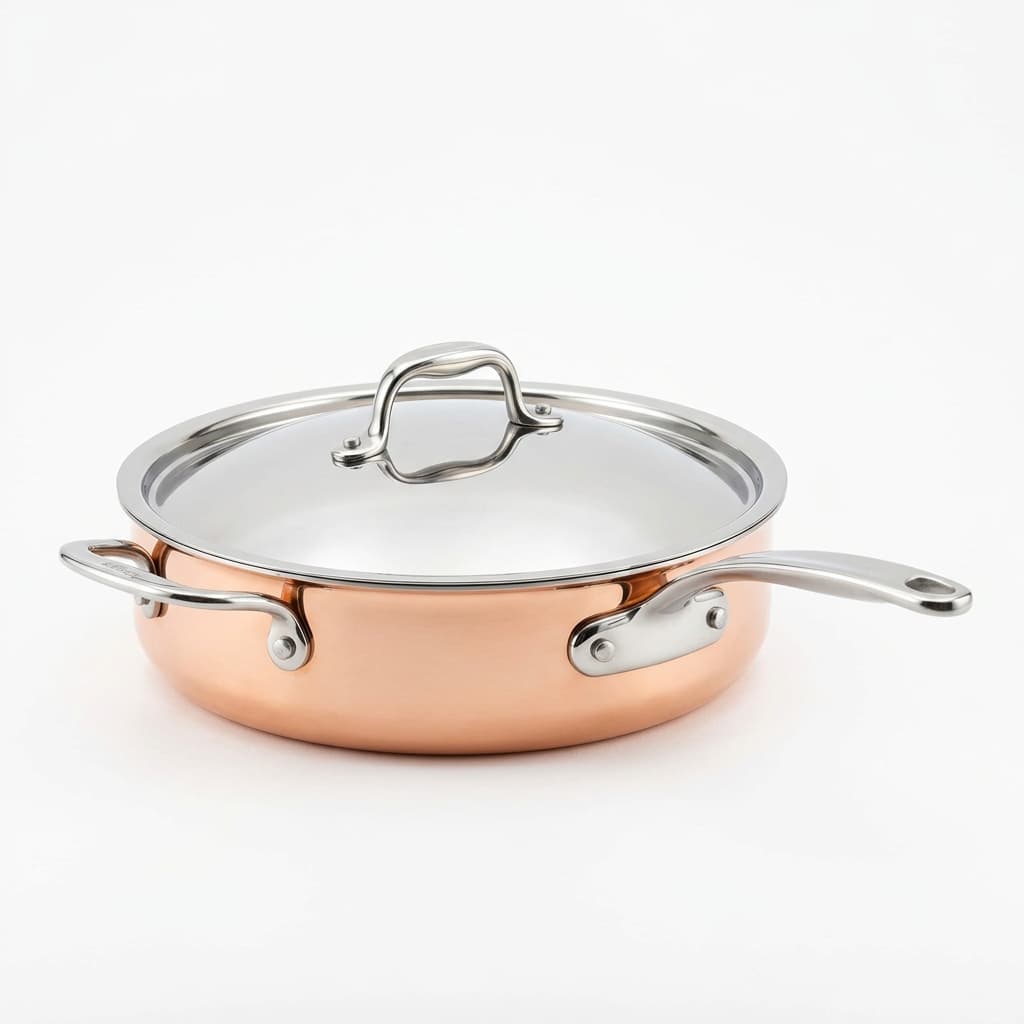
Non-compliant images on Target.com trigger listing suppression and hurt your content score. Full technical spec: main image rules, swatch requirements, lifestyle slots, 360-spin and video formats, and Target's Content Accuracy Policy.
Target.com doesn't send a polite warning when your product images fail their standards — listings get suppressed, content scores drop, and visibility disappears. Target's image requirements are among the most specific of any major retail platform, covering everything from the exact RGB value of the required background to swatch image pixel dimensions. This guide covers every technical requirement Target enforces in 2026, including the content accuracy rules that catch sellers off guard.
Main Image Requirements
Background
- Background must be pure white — RGB 255/255/255 exactly. Near-white, off-white, or light grey backgrounds do not meet Target's specification and will trigger review
- No shadows, gradients, or vignettes on the main image background
- No lifestyle environments, props, or contextual elements in the main image slot
- No imposed lifestyle on main images — the product must stand alone on white
Dimensions and File Specifications
- Minimum size: 1200px on the shortest side
- Recommended size: 2400px or larger for high-DPI display and zoom functionality
- Preferred format: JPEG — PNG is also accepted
- Maximum file size: 40MB
- Images should be square or close to square for consistent presentation in Target's grid layout
Product Fill
- Product must fill 85% or more of the image frame
- Nothing cropped — the complete product must be visible including all edges, handles, straps, and extremities
- Loose framing below 85% fill degrades content score and can trigger manual review
Prohibited on Main Image
- Watermarks of any kind — brand watermarks, photographer credits, service logos
- Text overlays — promotional callouts, size labels, feature annotations, pricing
- Logo overlays — including the seller's own brand logo superimposed on the product image
- Borders or decorative frames
- Inset images, multi-product compositions, or collage layouts in the main image slot
- QR codes or embedded URLs
Swatch Images
Target requires swatch images for products with color, pattern, or material variants:
- Swatch image dimensions: 400×400px
- Images must be color-accurate — the swatch must match the physical product's color under neutral lighting
- Swatch images represent each variant and appear in color selector UI elements on the product page
- Inaccurate swatch colors are treated as a Content Accuracy Policy violation — not just a quality issue
Additional and Lifestyle Images
Target allows multiple images per listing. Secondary image slots have significantly more creative flexibility than the main image:
- Lifestyle photography is permitted and encouraged in secondary image positions
- Context shots, in-use images, and styled photography work well in additional slots
- Detail and close-up shots are effective for showing texture, material, and construction quality
- Scale reference images (product shown next to a familiar object or on a model) are allowed in secondary slots
- Infographic-style images with dimension callouts and feature highlights are permitted in additional positions
- Same file format and size rules apply across all image slots: JPEG or PNG, maximum 40MB
360-Spin and Video
Target supports interactive 360-spin imagery and product video for eligible categories:
- 360-spin images are supported in dedicated spin asset slots — check your category's specific upload interface
- Product video format: MP4
- Minimum video resolution: 1080p (1920×1080px)
- Video should show the complete product, dimensions, and key features clearly
- No promotional overlays, text callouts, or watermarks in video — same clean presentation rules as still images
- 360-spin and video assets appear as interactive elements on the product page and increase conversion rate for complex or high-consideration items
Target's Content Accuracy Policy
Target's Content Accuracy Policy goes beyond format compliance — it requires that images match the physical product exactly. This is enforced separately from technical image requirements and carries its own consequences:
- Images must represent the product as it physically ships — no retouching that changes product color, shape, material texture, or visible features in a way that misrepresents the item
- Color representation in images must match the actual product under standard neutral lighting
- If the product includes accessories, components, or items shown in the image, those items must be included in the shipment unless clearly disclosed otherwise
- Swatch images must match the physical variant being sold — a mismatch between swatch color and actual product color is a direct Content Accuracy violation
- Images from a different color variant shown as the main image for a variant (e.g. showing the blue version on the red variant listing) trigger Content Accuracy violations
Consequences of Non-Compliant Images
Target actively enforces image standards and takes action on non-compliant listings:
- Listing suppression — products with images that fail technical requirements or Content Accuracy Policy standards can be removed from search results and category pages until corrected
- Content score impact — Target uses a content score system that grades listing quality. Poor images directly lower the content score, which affects organic placement and eligibility for promotional placement
- Manual review holds — flagged listings may require manual review before reinstatement, adding days or weeks of downtime during high-traffic periods
- Repeat violations — sellers with recurring image accuracy or technical compliance failures may face account-level restrictions
Preparing Images for Target at Scale
A practical workflow for sellers preparing product images for Target.com:
- Shoot on pure white from the start. Post-processing a near-white background to true RGB 255/255/255 is possible but requires precise editing — a correctly lit white sweep from the outset is faster and more reliable
- Export at 2400px minimum on the shortest side. The technical minimum is 1200px, but Target's zoom functionality and high-DPI display rendering perform better at 2400px or higher
- Prepare swatches in the same color grading session as main images. Color consistency between swatches and main images is the most common Content Accuracy failure — grading both in the same Lightroom or Capture One session reduces this risk
- Verify 85% fill at the thumbnail stage. At Target's grid thumbnail size, products that nominally fill 85% can appear too small if the product has irregular shape or significant negative space. Check thumbnails, not just the full-size image
- Document every variant separately. Each color or material variant needs its own correctly matched main image and swatch — do not reuse images across variants
Image Editing for Target Compliance
The two most common image editing failures on Target listings are background compliance and color accuracy. A background that photographs as light grey instead of pure white — even if it looks white on a monitor — will fail Target's automated quality checks. Similarly, product images that have been over-brightened or color-corrected beyond what the physical product looks like create Content Accuracy risks even if the image looks appealing.
Our e-commerce photo editing service prepares images to Target's exact RGB 255/255/255 white standard with 85% fill verification on every image. For listings with color variants, our color correction service ensures that main images and swatch assets are matched to the actual product appearance — eliminating the most common source of Content Accuracy violations before submission. Submit 5 images for a free trial to verify output quality before committing your catalogue.
Target vs. Amazon and Walmart: How the Image Requirements Differ
Sellers expanding across multiple retail channels often ask whether one set of compliant images can serve all three platforms. The short answer: Amazon and Target have the most overlap, while Walmart has slightly different threshold tolerances. Here's what matters in practice:
- Background standard — all three require pure white, but Target enforces RGB 255/255/255 strictly. Amazon's enforcement is similar in practice, while some Walmart categories allow off-white cream backgrounds to pass automated checks.
- Fill rate — Target requires 85% fill, Amazon requires 85%, Walmart recommends 85% but has historically accepted 75–80% in enforcement. Target's 85% requirement is actively verified by their image quality tools.
- Swatch images — Target has a dedicated swatch image type with color-matching requirements that Amazon and Walmart do not enforce at the same granularity. Multi-variant sellers who overlook swatch compliance generate Content Accuracy flags even when main images pass.
- Lifestyle images — Shopify and Walmart allow lifestyle content in secondary images without restriction. Amazon restricts certain lifestyle elements in A+ content only. Target allows lifestyle in secondary images but prohibits lifestyle in main images with no exceptions.
- 360-spin and video — Target provides dedicated slots for 360-spin images and videos in Roundel-eligible listings; this is a Target-specific feature not present in standard Amazon or Walmart listings.
Image Quality Checklist Before Submitting to Target
Use this pre-submission checklist for every SKU to reduce rejection rates:
- Measure fill rate — the product must occupy at least 85% of the image frame in the longest dimension. Crop tight; don't rely on padding. Use an image measurement tool or your editing software's canvas calculator.
- Verify background RGB — use the eyedropper in Photoshop or equivalent to confirm the background registers as 255/255/255 in at least three corner sample points. Near-white (250/250/250 or 248/248/248) will fail Target's automated check.
- Check for shadows and gradients — zoom to 100% and inspect corners. Drop shadows and vignettes that look subtle at thumbnail size are often detectable at full resolution.
- Validate swatch colors — for multi-variant products, confirm each swatch image color matches the main image of that variant. Color drift between swatch and product main is the most common Content Accuracy violation.
- Confirm JPEG format for main images — PNG is accepted but JPEG is preferred and generally processes faster through Target's ingestion pipeline.
- Review file names — Target's ingestion system is sensitive to non-standard characters in file names. Use alphanumeric characters and hyphens; avoid spaces, special characters, and non-ASCII symbols.
Running this checklist before batch uploads reduces the resubmission cycle that costs 3–5 days per violation round in Target's partner portal.